
PDF Tools
How to Merge PDF Files Online Safely (No Quality Loss)
Published on January 16, 2026 · By JacSubir Team
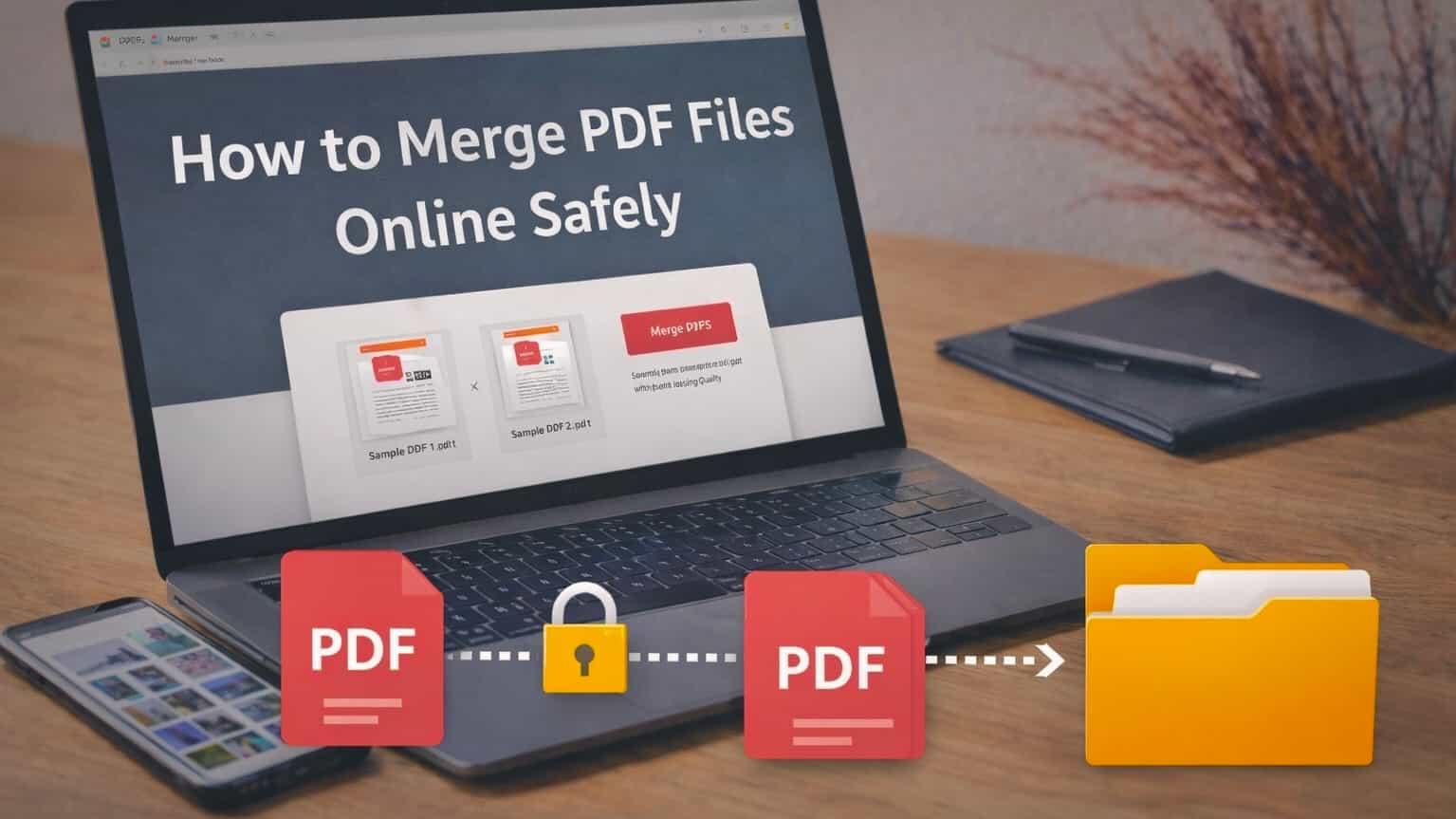
Managing multiple PDF files is something we all deal with—whether it’s assignments, reports, or invoices. The challenge is combining them online without risking privacy or ruining the layout. This guide explains a safe, reliable way to merge PDF files online while keeping your documents secure and looking exactly right.
Why You Might Need to Merge PDF Files
- Combine multiple documents into one clean file for easy sharing
- Keep reports, notes, or invoices organized in a single PDF
- Reduce email clutter by sending one attachment instead of many
- Submit professional documents in a clear, polished format
Common Problems With Online PDF Mergers
Not all online PDF merger tools are trustworthy. Some free tools hide limitations or risks that can affect your files, privacy, or final output. Being aware of these common issues helps you choose the right tool.
- Watermarks: Some tools add branding or logos that make documents look unprofessional.
- Privacy Risks: Files may be uploaded to unknown servers and stored longer than expected.
- Formatting Issues: Poor tools can break layouts, fonts, or image quality.
- File Limits: Many free services restrict file size or the number of PDFs you can merge.
JacSubir’s PDF merger works directly in your browser and automatically deletes files after merging. Your documents stay private, secure, and unchanged in quality.
Try the Free PDF MergerHow to Merge PDFs Using JacSubir (Step-by-Step)
- Open the Merge PDF tool from JacSubir’s PDF tools page
- Upload your PDF files by dragging or selecting them
- Arrange the files in the order you want
- Click merge and download your combined PDF instantly
The process is quick, simple, and works directly in your browser.
Is It Safe to Merge PDFs Online?
Yes—merging PDFs online is safe when the tool prioritizes privacy. A reliable PDF merger should:
- Process files directly in your browser
- Avoid permanently storing documents
- Clearly explain how files are handled
JacSubir follows these principles so you can merge PDFs with confidence.
Final Thoughts
Merging PDF files doesn’t need to be complicated or risky. With a secure, browser-based tool, you can combine documents in seconds while keeping your data private. Whether you’re a student, professional, or everyday user, a reliable PDF merger helps you stay organized and work more efficiently.